canlı casino siteleri online casino rottbet giriş rott bet güncel giriş

canlı casino siteleri online casino rottbet giriş rott bet güncel giriş
Access Remote Wireless Measurement Data with MultiGage Cloud Streaming

MultiGage is an advanced wireless measurement software by Motionics, enabling high-accuracy monitoring and recording of measurement data using your smart device or Windows PC.

With MultiGage, you can record measurements in either single-capture or continuous mode, and you can connect multiple wireless gauges simultaneously for easy, streamlined multi-point measurements.

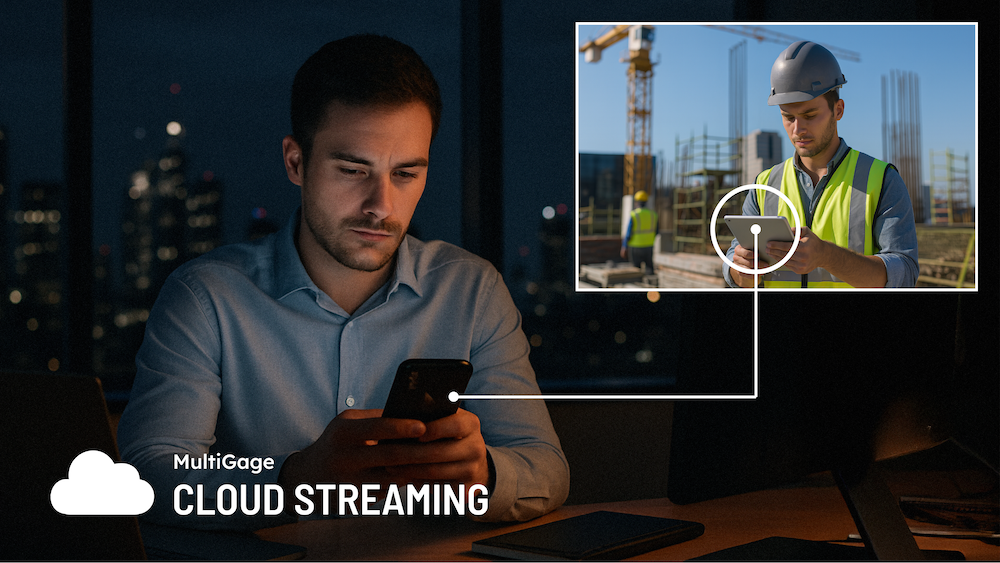
Another popular feature of the MultiGage software is Cloud Data Streaming. This feature enables you to monitor and record live measurement readings from anywhere in the world.

To get started with MultiGage Cloud Streaming, you will need two smart devices, or Windows PCs, both with the MultiGage software installed.

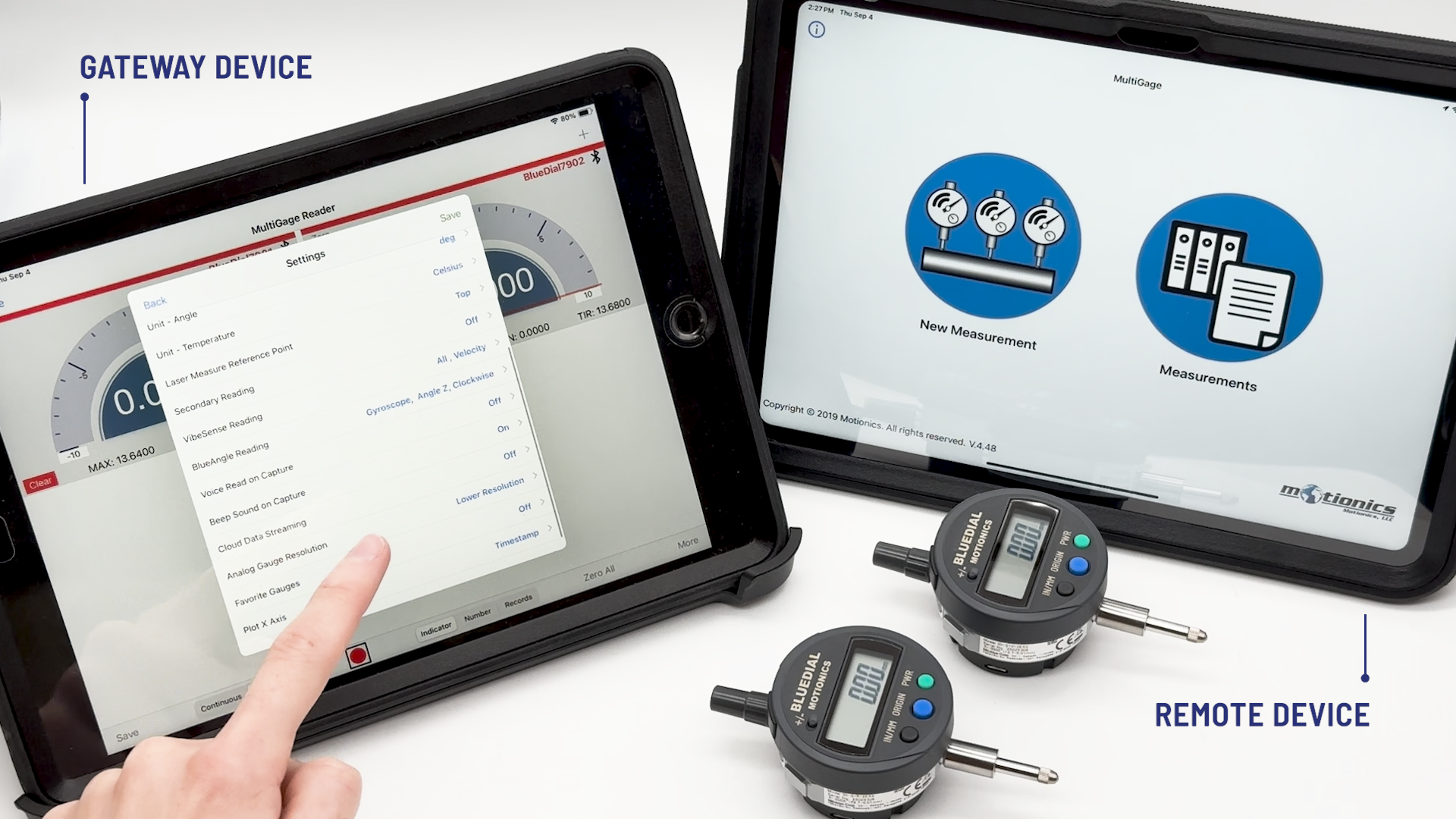
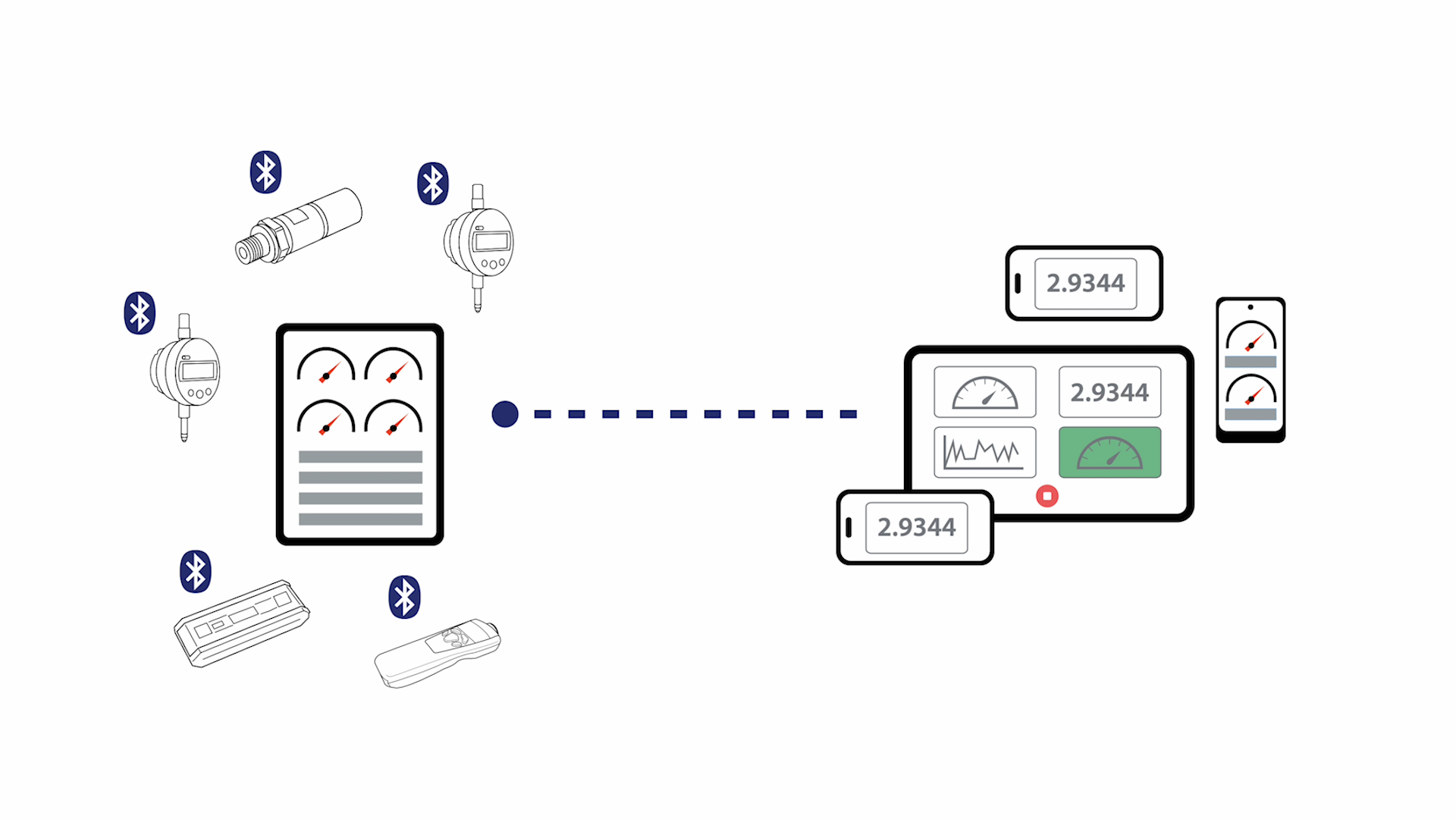
One device (e.g., an iPhone), will act as a cloud gateway, connecting to each wireless measurement gauge locally via Bluetooth.

The other device (e.g., an Android tablet) will be used as the remote monitor. This remote device can receive readings from anywhere in the world as long as both devices are connected to the internet. 

Multiple remote devices can simultaneously receive readings from the same gauge or gauges, and there are no limits on the number of gauges that you can monitor remotely.

How to Set Up a Gateway Device

Once your wireless measurement gauge is connected to the MultiGage software on your gateway device, tap the ‘More’ button and open the ‘Settings’.

From this menu, select ‘Cloud Data Streaming’ and activate the toggle. You must tap the ‘Back’ button and save your changes.

Your gateway device is now ready to stream live readings to the cloud.

How to Set Up a Remote Cloud Monitor

On your Remote Monitoring Device you can now select the same ‘More’ button and choose ‘Cloud Viewer’ from the menu.

Select the ‘+’ icon and add new wireless measurement gauge(s) by entering its name as displayed on the gateway device.

Select the toggle to activate the connection then tap each gauge, and select the ‘Add as a Sensor’ button.

You will now see your gauges connected to this device via Cloud Streaming, and you can begin monitoring readings in real time. You can also now record single-capture or continuous readings from your remote device.

Saved recordings can be viewed in a table, or easily plotted on a dynamic graph. Recorded data can also be exported and shared as a CSV file, to view in Excel and other applications.

Cloud Data Streaming Compatibility

The Cloud Data Streaming feature is available for free with MultiGage for iOS, iPad and Android. Cloud Streaming is a paid feature in the MultiGage software for Windows.

Remote data streaming works across different device platforms depending on your setup. For example, this means you can stream readings from an iPhone to a Windows PC, or from an Android tablet to an iPad.

Click the button below to learn more about MultiGage or watch the MultiGage Cloud Streaming Demo.